Tracking your parcels and shipments sent with DHL
Send envelopes, parcels and pallets with DHL and follow them using your device. Read more about DHL online tracking solutions and how to get updates on your shipment.
Place your order now!


How to track your parcel with DHL
1. Visit the DHL website and access their tracking page;
2. Paste the tracking code in the online tool;
3. Check the status and the location of your parcel.
1. Download the DHL official app;
2. Open the DHL official app;
3. Insert the 10-digit DHL tracking number.
How to track your DHL parcel when shipping with Eurosender
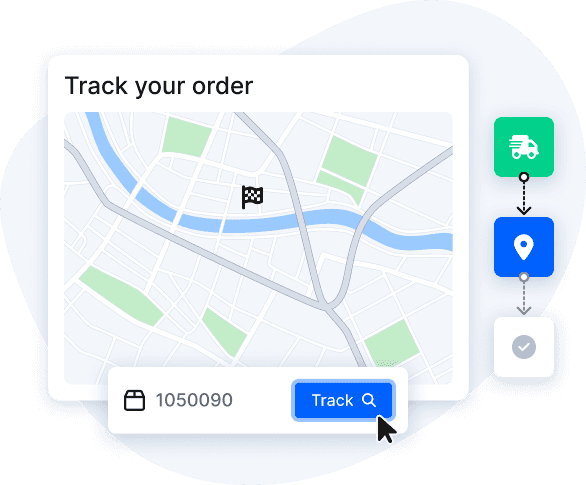
If you are shipping with Eurosender and DHL is the designed courier, you can easily follow your parcel using our online tracking tool.
Tracking your DHL parcel is super easy:
- Access our tracking tool using the link received via mail or the button below;
- Paste the tracking number in the tool and press “Track”.
Most common DHL tracking statuses
When checking the status of your parcel with DHL online tracking service you may come across different terms and statuses.
Here are the most common statuses you may read when tracking your DHL parcel.
- In transit: the parcel was picked up and is on the way to the destination.
- In customs clearance: the shipment is currently being processed for customs clearance.
- Out for delivery: the carrier is about to deliver the shipment during the day.
- Unsuccessful delivery attempt: The courier couldn’t deliver your package.


OUR BENEFITS
Why ship with Eurosender?


NEED MORE INFORMATION?