International DPD Parcel Tracking
DPD Track and Trace – Online parcel shipping
Send with DPD and follow your parcel from the collection to the delivery. Read more about DHL international tracking services to know how to follow the shipment.
Didn’t book your shipment yet? Place your order now!
Didn’t book your shipment yet?
Place your order now!
Place your order now!
30,000+

reviews

& other sites


How can I track my DPD parcel delivery?
DPD offers online tracking to their customers both on their website and the courier official app.
Online DPD track & trace service
1. Visit the DPD website and access the tracking page.
2. Paste the 14-digit DPD tracking number.
3. Confirm the code and check the status.
Live tracking with my DPD app
1. Download the official myDPD App.
2. Access to your profile and click on the tracking tab.
3. Follow your DPD shipment on your phone.
Track your DPD shipment booked with Eurosender
Did you book a parcel delivery with Eurosender and DPD is the designated courier? Following the parcel is super easy:
- click on the link received via email to access our tracking tool or click on the button below;
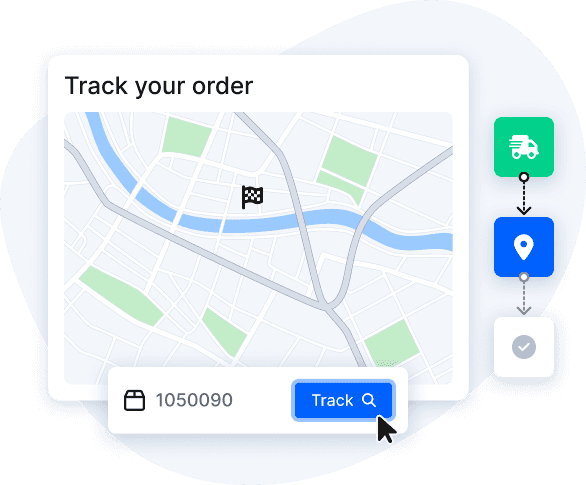
- paste the DPD tracking number in the tool and press “Track” to know the parcel status.
What do the DPD tracking statuses mean?
Below you can find some of the most common statuses on the DPD online tracking service and their meaning.
- Order Received: DPD received the data pertaining to the shipment, but the parcel has not necessarily been received by DPD yet.
- Parcel handed: the parcel has been handed over to DPD (e.g. at a parcel shop or collected by the courier) and is now in the DPD system.
- Left in Safe Place: your parcel has been delivered to a safe place location at the delivery premises.
- Cannot Locate: the DPD courier cannot locate your address and will attempt a delivery again.


Read more about DPD services


OUR BENEFITS
Why ship with Eurosender?

Shipping services one click away

Fully door-to-door deliveries

Experts ready to help you

NEED MORE INFORMATION?
Frequently asked questions about DPD parcel tracking
Can I follow a DPD shipment if I don’t have the tracking number?
Tracking a DPD parcel generally requires a tracking number or any other identification code.
If you can’t find the DPD tracking number, please contact DPD directly or Eurosender if the shipment was booked with us.
Where can I find my DPD tracking number?
Your booking confirmation usually includes all essential shipment details, such as the DPD tracking number. The confirmation email will contain the 14-digit DPD tracking number.
If you can’t find the DPD tracking number or the confirmation email, you can contact the company via phone or mail and ask for details about your order.
What should I do if my DPD tracking number isn’t working?
If the DPD tracking number you insert in the Track and Trace tool is not working, try double-checking if you pasted the correct code.
If the tracking code is correct and is still not working, it may be that the parcel was not scanned yet or there are issues with the system.
If you can’t use the tracking number for a long time, do not hesitate to contact DPD or our customer support team (if you booked with Eurosender).
How does the DPD online tracking work for international shipments?
In case of international shipments, you can follow the parcel on the DPD website or official app. Keep in mind that for some countries, the DPD group works under a different name (such as SEUR for Spain or BRT for Italy), and it may have a different tracking system.
If you are having issues with the tracking of your DPD parcel for an international shipment, contact DPD or our customer support team (for shipment booked with Eurosender) to get updates on the parcel.